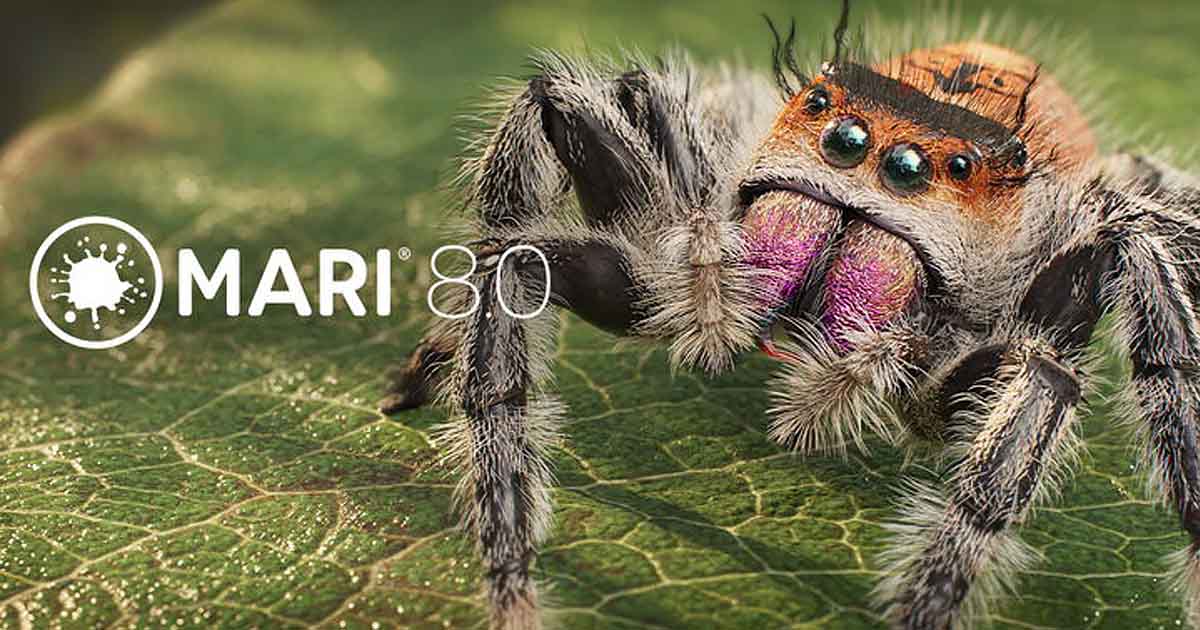
Foundry has officially released Mari 8.0, the latest major version of its 3D texture painting software for VFX, animation, and digital content creation. The release introduces a broad range of procedural texturing tools, Node Graph enhancements, advanced masking workflows, and improvements to project management and asset organization.
Building on the development work introduced during the Mari 8.0 beta period, the official release brings together new tools designed to give texture artists more direct control over material creation while reducing repetitive tasks. Highlights include the Tri-Planar Tiled and Hex Tile nodes, an enhanced Compare node, Color Remap, 49 new mathematical nodes, and a more flexible set of transformation and masking tools.
Mari 8.0 also introduces trackball-based canvas navigation, improved Shelf search, project archiving enhancements, and updated support for the VFX Reference Platform CY2025.
Official release notes: What’s New in Mari 8
Node Graph Enhancements
One of the main areas of development in Mari 8.0 is the Node Graph. The release improves several existing and new nodes to make procedural texturing more flexible, simplify common operations, and reduce the complexity of material networks.
The most notable additions and enhancements include the Compare, Hex Tile, and Color Remap nodes, alongside 49 new mathematical nodes.
Compare Node for A/B Evaluation
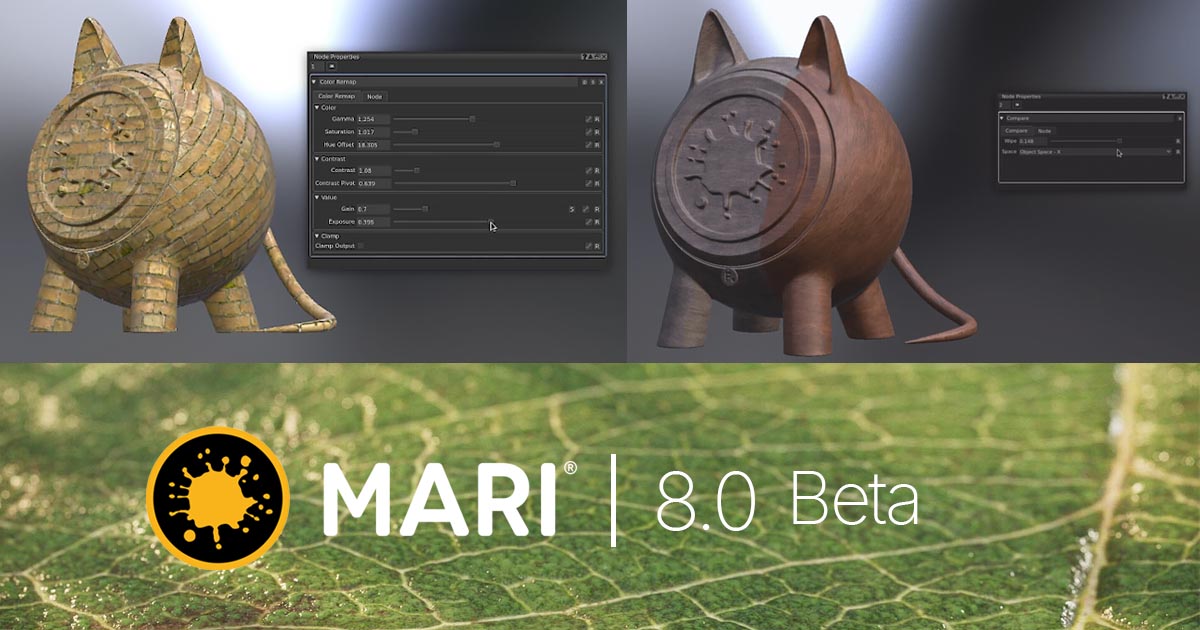
The enhanced Compare node allows artists to compare two visual streams directly within the Node Graph using a customizable wipe.
It provides three comparison modes: Screen Space, Object Space, and Object Bound Screen Space. These options allow artists to evaluate texture changes from different viewing contexts, whether comparing subtle material adjustments or examining broader changes in an asset’s color and appearance.
By keeping the comparison within the existing node workflow, the tool makes it easier to review iterations without repeatedly changing connections or switching between separate setups.
Hex Tile Node for Reducing Texture Repetition
The Hex Tile node distributes and blends texture samples in a hexagonal pattern, helping reduce the visible repetition associated with conventional rectangular tiling.
Artists can use a single texture source to generate more varied-looking surfaces, making the node useful for materials such as rocks, terrain, organic surfaces, and other assets that require repeated detail without obvious patterns.
The node includes controls for sampling area, randomized rotation, blend width, and blend contrast. Dedicated normal-map controls provide additional flexibility when working with surface-detail textures.
Hex tiling is also supported in other procedural and rendering tools, including Houdini, Redshift, and RenderMan, making it a useful technique within broader material workflows.
Color Remap Node
The Color Remap node brings several common color adjustments into a single procedural tool. Artists can control hue, saturation, exposure, gamma, and contrast without building separate nodes for each operation.
This makes it easier to refine colors within a material network and keep procedural setups organized. It is particularly useful when developing multiple material variations or adjusting the appearance of textures while preserving a non-destructive workflow.
49 New Mathematical Nodes
Mari 8.0 adds 49 mathematical nodes that expand the range of operations available within the Node Graph.
The new tools cover arithmetic, trigonometry, randomization, conditional logic, gradients, and anti-aliasing. They allow artists to build more sophisticated procedural relationships, control pixel-level behavior, and generate material variations without relying entirely on external processing or custom scripts.
These nodes provide additional flexibility for procedural texturing and shading, particularly in complex graphs where precise control over values and conditions is important.
Procedural Texturing and Transformation Tools
Mari 8.0 introduces a collection of transformation tools that provide more control over procedural materials, position data, and UV coordinates.
Tri-Planar Tiled Node
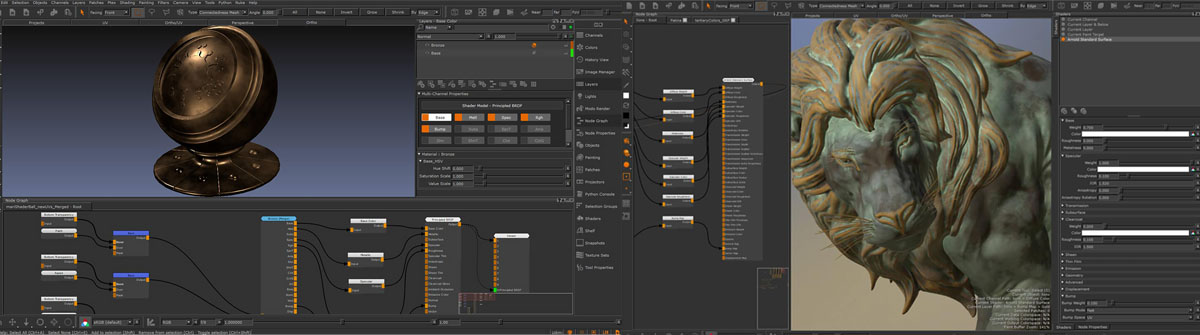
The Tri-Planar Tiled node projects a 2D texture across a 3D model along the X, Y, and Z axes. This reduces dependence on conventional UV layouts and helps artists avoid common problems such as UV distortion and difficult seam placement.
The node is particularly useful for assets with complex geometry, stretched UVs, or areas where creating and maintaining a clean UV layout would require considerable preparation.
Its controls include Smart Blend, noise-driven blending, and customizable falloff ranges and curves. Artists can adjust scale, rotation, offset, and repetition globally or independently for each projection plane. Dedicated normal-map and noise inputs provide further control over transitions between projected surfaces.
These features make Tri-Planar Tiled useful for applying consistent surface detail to environments, creatures, props, and other complex assets.
Coordinate Transform
The Coordinate Transform node provides scale, translation, and rotation controls for nodes that accept position inputs.
This allows artists to manipulate spatial data directly within a procedural network and create more flexible relationships between coordinates and material operations.
Locator Transform
Locator Transform allows transformations to be manipulated through locator handles, providing a more interactive way to control spatial operations.
The tool can be useful when artists need to adjust transformations visually rather than relying exclusively on numerical values.
UV Radial Transform
The UV Radial Transform node provides radial controls for spinning, scaling, and warping UV coordinates.
These operations expand the options available for generating and modifying procedural patterns, especially when working with radial designs or textures that require controlled UV-space distortion.
Image Input and Centralized Texture Management
Mari 8.0 introduces an Image Input node that acts as a centralized source for textures within the Node Graph.
Instead of loading the same image independently at multiple points in a network, artists can load it once and route it to several supported nodes. Replacing the source image can then update all connected locations.
The Image Input node uses a specialized Image Out Token that can connect to supported nodes such as Tiled, Projection, Tri-Planar, Hex Tile, and Camera Projection. The token can also pass through Group and Teleport nodes.
However, it cannot be processed as standard pixel data or connected directly to standard Color Inputs, Image Writes, or Bake Points. To view the texture on the model, the Viewer must be connected to the dedicated Preview output.
This workflow can help reduce duplicated image inputs and simplify the management of shared texture sources in larger procedural networks.
Advanced Masking Workflows
Mari 8.0 expands its masking system with dedicated Mask Ports, automated ID mask generation, and new color-based masking tools.
These additions make it easier to isolate specific regions of an asset and apply procedural adjustments without relying entirely on manual polygon painting or separate baking operations.
Mask Ports
The Add Mask to Node workflow allows artists to add a dedicated mask input to supported node setups.
Mari wraps the selected nodes in a Group and creates a Mask Input, providing a more direct way to control which parts of a procedural operation affect the result.
This approach offers greater flexibility when building complex node networks and applying localized adjustments.
ID Masks from Selection Groups
Artists can generate Color ID maps from existing Selection Groups, reducing the need to paint color IDs manually or prepare them through a separate baking workflow.
The Create Mask from Selection tool also allows masks to be generated from an active canvas selection or a Selection Group. These options are available through the Selection menu, the canvas context menu, and the Node Graph context menu.
The Selection Groups palette also provides a direct command for creating a mask from a selected group.
Color Mask and Multi Color Mask
Mari 8.0 introduces two nodes for color-based masking: Color Mask and Multi Color Mask.
Color Mask isolates a specific color, while Multi Color Mask supports workflows involving multiple target colors and multicolored regions.
The system uses HSV-based color comparison with dedicated Mask Strength and Tolerance controls. Gain and Bias controls are also available for adjusting color response and contrast.
These tools are useful when working with baked ID maps, painted color blocks, or layered textures that need to be separated into distinct material regions.
Improved Image Manager and Asset Organization
Mari 8.0 improves texture and image management through additional Image Manager tools.
The Image to Node Selection feature helps artists locate where an image is being used in the active Node Graph and select the associated nodes. This can make it easier to trace texture dependencies in complex projects.
The Remove Unused Images feature identifies images that are no longer referenced by nodes, brushes, the Multi-Paint Palette, Environment Light, the Image Color Picker, or the canvas background.
Images generated through Image Write in 2D Paint mode are automatically preserved. The Toggle Unused Removal option also allows artists to protect selected textures or reference materials from removal.
Together, these improvements make it easier to maintain organized projects and identify image assets that are no longer required.
Improved Shelf Search
Mari 8.0 enhances Shelf Search with support for logical operators, making it easier to find specific assets in large libraries.
Artists can use multiple terms, alternative search terms, exclusions, and exact-match phrases to refine results. The search system supports the following conventions:
-
Spaces separate required search terms.
-
The
|operator identifies alternative terms. -
The
-operator excludes a term. -
Quotation marks can be used to search for an exact phrase.
For example, a search such as "bricks | plaster -cracked" can return items containing either “bricks” or “plaster” while excluding results containing “cracked.”
This provides a more flexible way to locate materials and other assets in large production libraries.
Project Archiving Improvements
Mari 8.0 makes archived projects easier to identify and manage.
Archived projects now display a visual indicator on their thumbnails in the project library. Hovering over a project also reveals useful information, including the timestamp of the most recent backup and the project directory path.
These changes help artists locate archived work and identify the relevant backup or storage location without manually searching through project folders.
Trackball Rotation for Canvas Navigation
The new Trackball Rotation tool introduces an alternative method for navigating around a 3D model while painting.
Using a virtual trackball, artists can rotate the canvas camera through more complex angles and access viewing positions that may be less convenient with standard orbit controls.
The feature can be configured through Edit > Shortcuts by searching for “Trackball.” A mouse-button input is required for the shortcut to register successfully.
For texture painting, this provides another way to inspect difficult surface areas and reach more useful viewing angles while working on complex assets.
USD Camera Support and VFX Reference Platform CY2025
Mari 8.0 introduces read-only support for cameras in USD files and updates its USD implementation to version 25.08.
This allows supported camera data to be brought into Mari from USD files, helping artists work with camera information supplied through compatible production pipelines.
The release also updates Mari’s third-party libraries to align with the VFX Reference Platform CY2025 specification.
The updated components include:
-
Alembic 1.8.8
-
Boost 1.85.0
-
Imath 3.1.12
-
OpenColorIO 2.4.2
-
OpenEXR 3.3.14
-
OpenImageIO 2.5.7.0
-
OpenSubdiv 3.6.0
-
OpenVDB 12.0.0
-
PySide 6.5.3
-
Python 3.11.11
-
Qt 6.5.3
-
oneTBB 2021.13.0
These library updates bring Mari’s underlying technology closer to the specified versions used across the VFX Reference Platform CY2025 ecosystem.
Availability and System Compatibility
Mari 8.0 is available through Foundry. The official product page lists version 8.0 as the current release and provides access to the trial, technical specifications, and release documentation.
The release supports Windows 11 and Rocky Linux/RHEL 9.
Artists can find more information through the following official resources:
Final Thoughts
Mari 8.0 is a substantial update for artists working with high-resolution textures and complex 3D assets. Its new and enhanced procedural tools provide more options for handling difficult UV layouts, reducing visible texture repetition, refining color, and building sophisticated node networks.
Tri-Planar Tiled and Hex Tile address common challenges in surface-detail creation, while the Compare and Color Remap nodes make material iteration more direct. The additional mathematical, transformation, and masking tools further expand the flexibility of Mari’s procedural workflow.
The improvements to image management, Shelf Search, project archiving, and canvas navigation also address everyday production tasks that can become time-consuming on large projects. Meanwhile, USD camera support and updated third-party libraries strengthen compatibility with modern VFX pipelines.
For studios and texture artists, Mari 8.0 combines a broad set of creative tools with practical workflow improvements, offering more control over material development from initial texture setup through final look refinement.
Previously, Foundry released Mari 8.0v1 Beta 2, offering an early look at the features planned for the new version. For more details, read our earlier coverage of the Mari 8.0v1 Beta 2 release.


Add comment