3d-painting-and-texture-creation-in-3dsmax

Intro to 3D painting and texture creation in 3dsMax

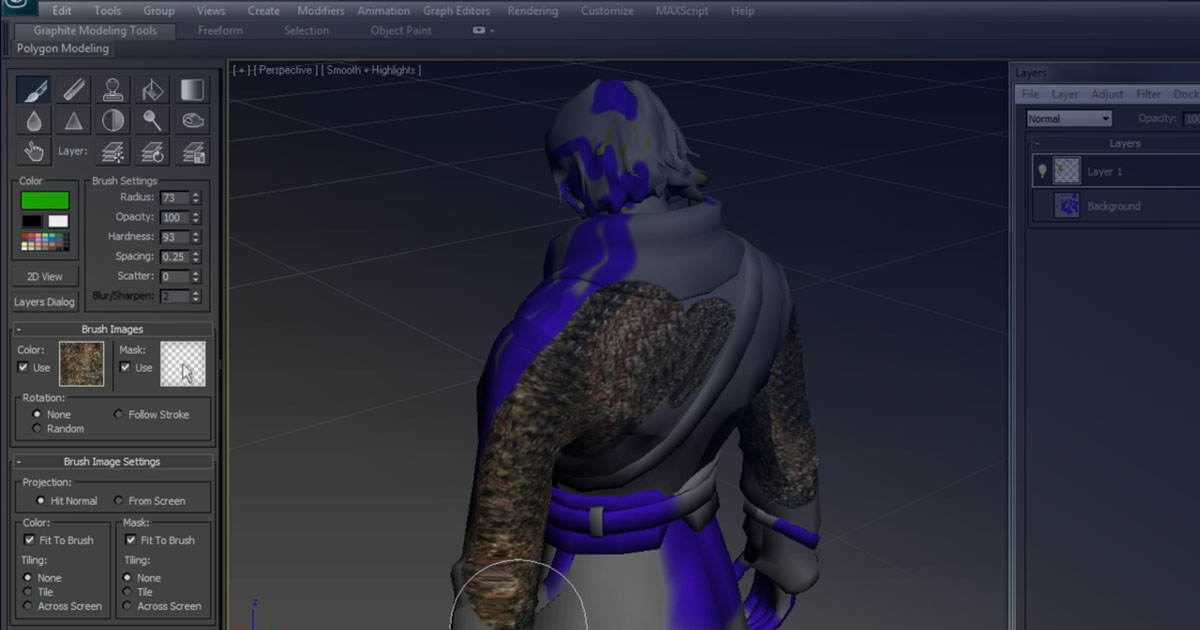
Throughout all the years I worked with 3ds Max, unlike the common use of the software for architectural visualization and single-frame projects, I was always exploring more detailed and exciting elements closer to the world of

VFX. One of the tools I discovered back then was Viewport Canvas, which allowed 3D painting and texture layering similar to Photoshop. In the viewport, it let you paint directly onto 3D objects.

This simple tutorial was created to explain and introduce this feature of 3ds Max, and I hope it proves to be useful and informative.

Details
Instructor Sadjad Jahangiri
Language Iran Flag Persian
Level Beginner
Copyright Cinema Engineer
Year 2012
Software Autodesk 3ds Max Autodesk 3ds Max


Related Articles

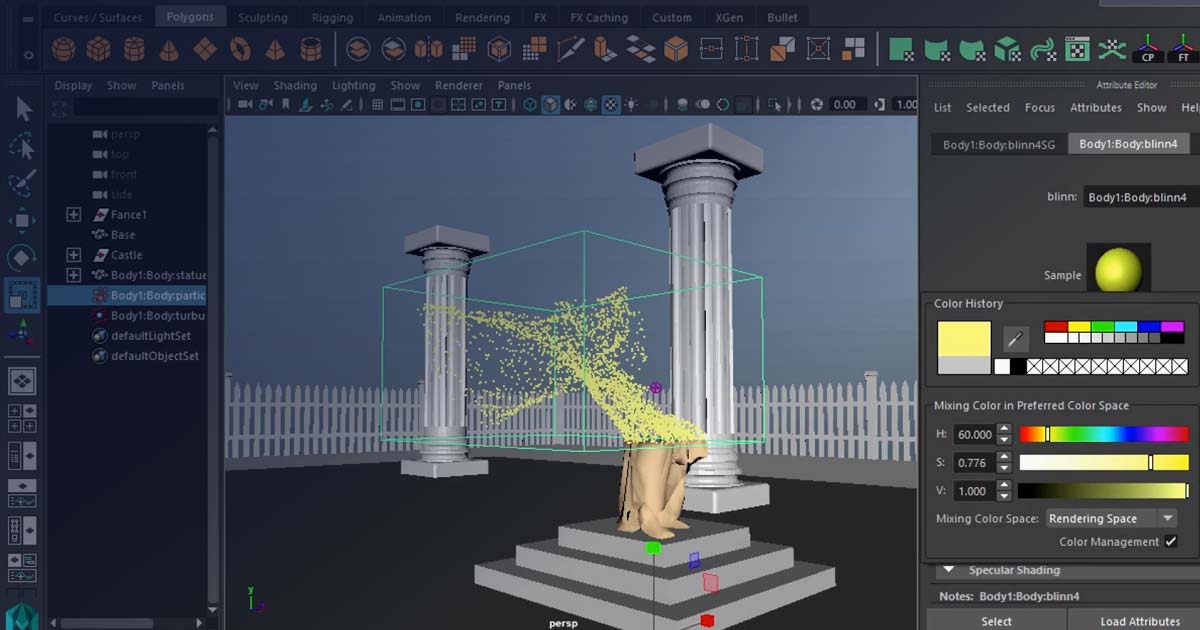
How to simulate crush and disintegrate objects in Maya

How to simulating exploding objects in Maya

How to simulate disintegrate objects in Maya

How to simulate disintegrate objects in Maya

 how to use music for animation in 3dsMax

how to use music for animation in 3dsMax

Add comment

Submit

CinemaEngineer

At CinemaEngineer, we cover all topics related to Visual Effects, CGI, Cinema, and their related technologies. The activities of CinemaEngineer include education, research and development, and the execution of practical projects.

We entered this field in 2009 and have been working full-time on these goals ever since. Our specialized areas of activity include Visual Effects, 3D Simulations, Motion Graphics, Digital Design, 2D Animation, and Cinema Studies.

At CinemaEngineer, you can find both commercial products and educational materials, as well as free resources and gifts. In addition, important and specialized information is published on our blog through dedicated categories.

Learn More...

Dark Mode

Light Mode

Links

Email : info@cinemaengineer.com

Login