Lighting and Render Pass Tutorial in Maya

Lighting and Render Pass Tutorial in Maya

Realistic lighting, shadow creation, and render layer setup are among the most important topics in VFX and CG. In this tutorial series, produced in 2014–2015, I have prepared and taught these concepts to you across several parts.

In these video lessons, you will see how to import a car model and integrate it into a street scene in the Maya viewport, and you will learn the process of creating specialized render layers in Maya using the Mental Ray render engine. Once you understand the production of render layers and the principles of building each layer from this tutorial, you can apply these concepts in any render engine.

Details
Instructor Sadjad Jahangiri
Language Iran Flag Persian
Level Intermediate
Copyright Cinema Engineer
Year 2014
Software Autodesk Maya Autodesk Maya


Related Articles

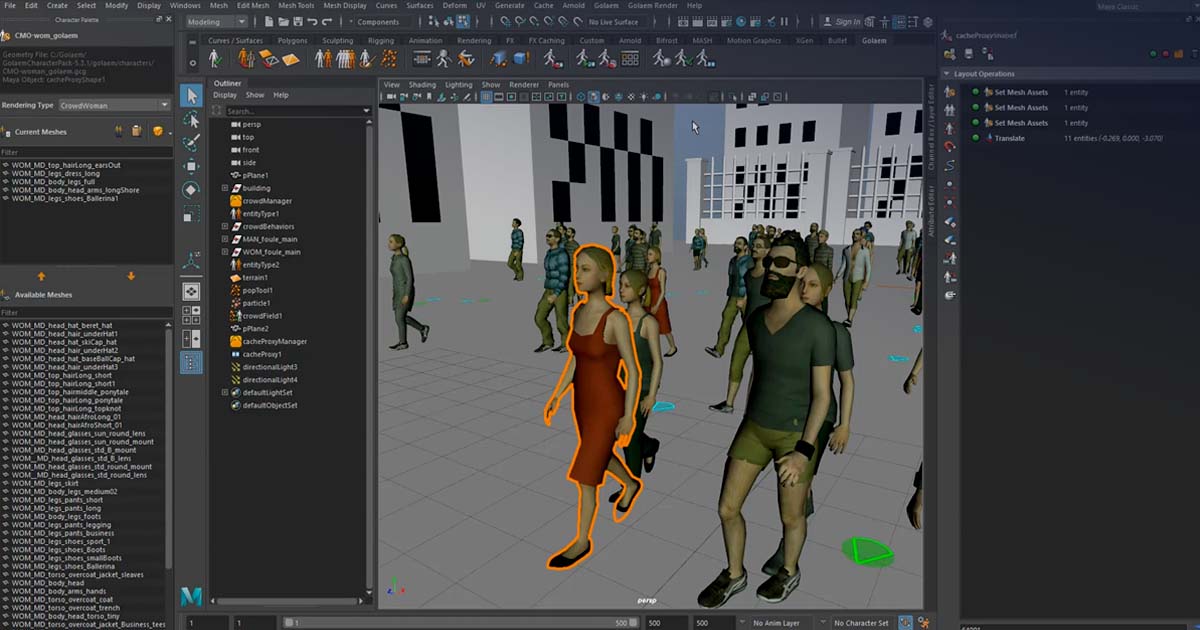
Crowd Simulation Tutorial in Maya - Season 2

Crowd Simulation Tutorial in Maya - Season 2

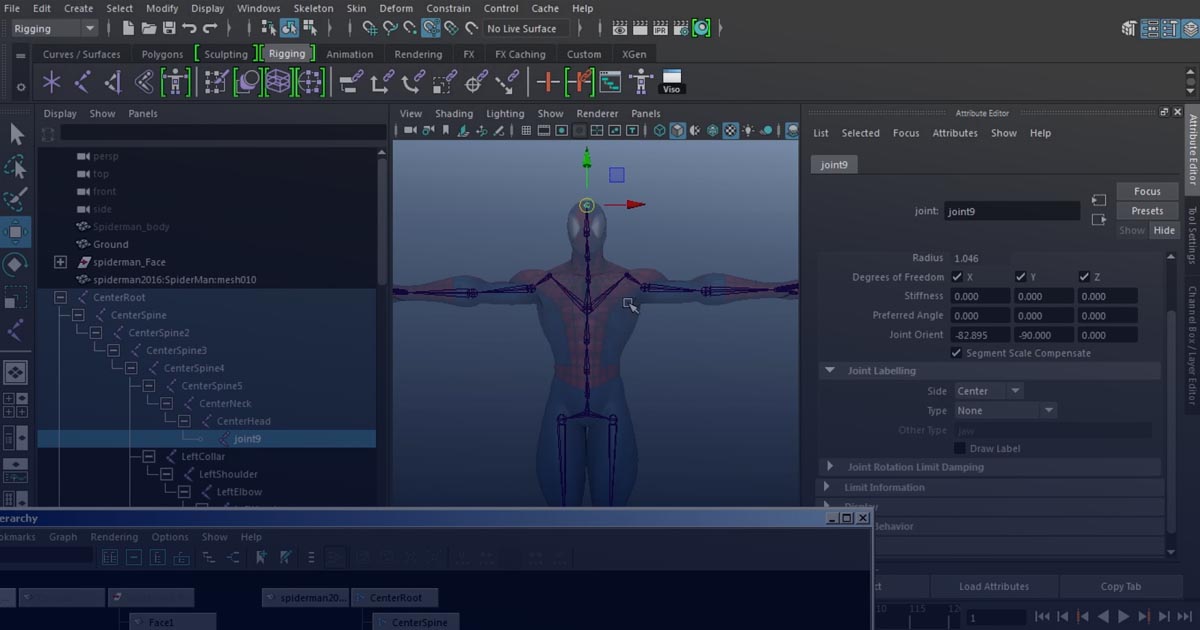
Spider-Man Character Rigging Tutorial - Part 1

Spider-Man Character Rigging in Maya - Part 1

How to simulate crush and disintegrate objects in Maya

How to simulating exploding objects in Maya

Add comment

Submit

CinemaEngineer

At CinemaEngineer, we cover all topics related to Visual Effects, CGI, Cinema, and their related technologies. The activities of CinemaEngineer include education, research and development, and the execution of practical projects.

We entered this field in 2009 and have been working full-time on these goals ever since. Our specialized areas of activity include Visual Effects, 3D Simulations, Motion Graphics, Digital Design, 2D Animation, and Cinema Studies.

At CinemaEngineer, you can find both commercial products and educational materials, as well as free resources and gifts. In addition, important and specialized information is published on our blog through dedicated categories.

Learn More...

Dark Mode

Light Mode

Links

Email : info@cinemaengineer.com

Login